Mirror Your Phone to Any Browser Instantly
Stream your mobile screen or high-definition camera feed in real-time. Fast P2P connections over USB, Wi-Fi, or direct Mobile Hotspot. Zero desktop software required.
Built for Speed, Wired or Wireless
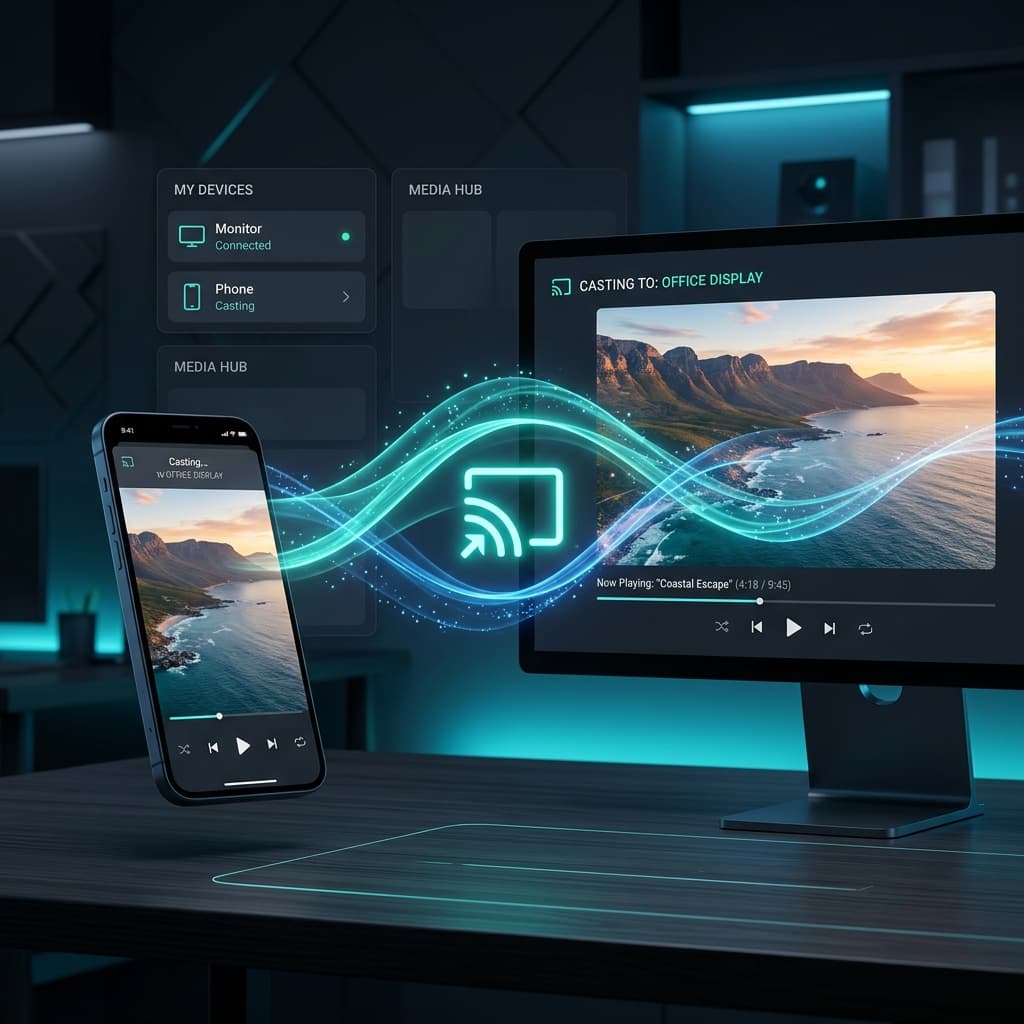
Mobile Caster delivers lightning-fast, high-definition screen and camera streams straight to your browser using optimized peer-to-peer protocols.
Ultra-Low Latency
Utilizes real-time WebRTC connections, bypassing traditional cloud routing to achieve near-zero buffering and minimal video delay.
Screen & Camera Feed
Stream your entire mobile screen or toggle directly to high-quality camera feeds for remote monitoring, presentations, or video blogging.
Privacy-First Security
All media traffic is streamed directly between your phone and your PC on your local network. No external cloud servers store or inspect your feeds.
Zero Desktop Setup
No drivers, software, or web browser extensions are required on your computer. Simply load the receiver webpage and start casting instantly.
Dynamic Bitrate Scaling
The streaming resolution and framerate scale automatically to fit your connection speed, ensuring smooth video playback even on busy networks.
Virtual Remote Control
Control your computer directly from your mobile device. Simulate mouse clicks, movements, scrolling, and send keyboard inputs/shortcuts seamlessly.
Three Modes for Any Scenario
Choose the best connection mode for your current network environment. Switch modes instantly inside the mobile app.
USB Cable Mirroring
Perfect for gaming, live streaming, or detailed presentations. Using a standard USB cable combined with ADB routing provides a direct, interference-free connection with absolute zero-lag and high frame rates.
Get Connected in 3 Simple Steps
No complicated configuration. Stream directly inside your local network with ease.
Open Web Receiver
Launch the Mobile Caster Web Receiver on your PC web browser. It runs completely client-side with zero installation.
Open Mobile Caster
Launch the Mobile Caster Android app and select your preferred connection mode: USB, Wi-Fi, or direct Hotspot.
Cast Instantly
Select Screen or Camera source and tap 'Start Mirroring'. The stream appears instantly in your browser with near-zero latency.
Download Mobile Caster Now
Start mirroring your screen or camera feed in real-time. Grab the Android APK below or install the native Desktop Receiver for mouse and keyboard simulation.
Mobile Caster App
Android Package (.APK)
Install the caster app on your Android device to capture your screen, camera, and microphone feeds.
Desktop Receiver
Native Application
Install the native desktop receiver to mirror screen feeds with lowest latency and enable Virtual Remote Control mouse and keyboard simulation.